
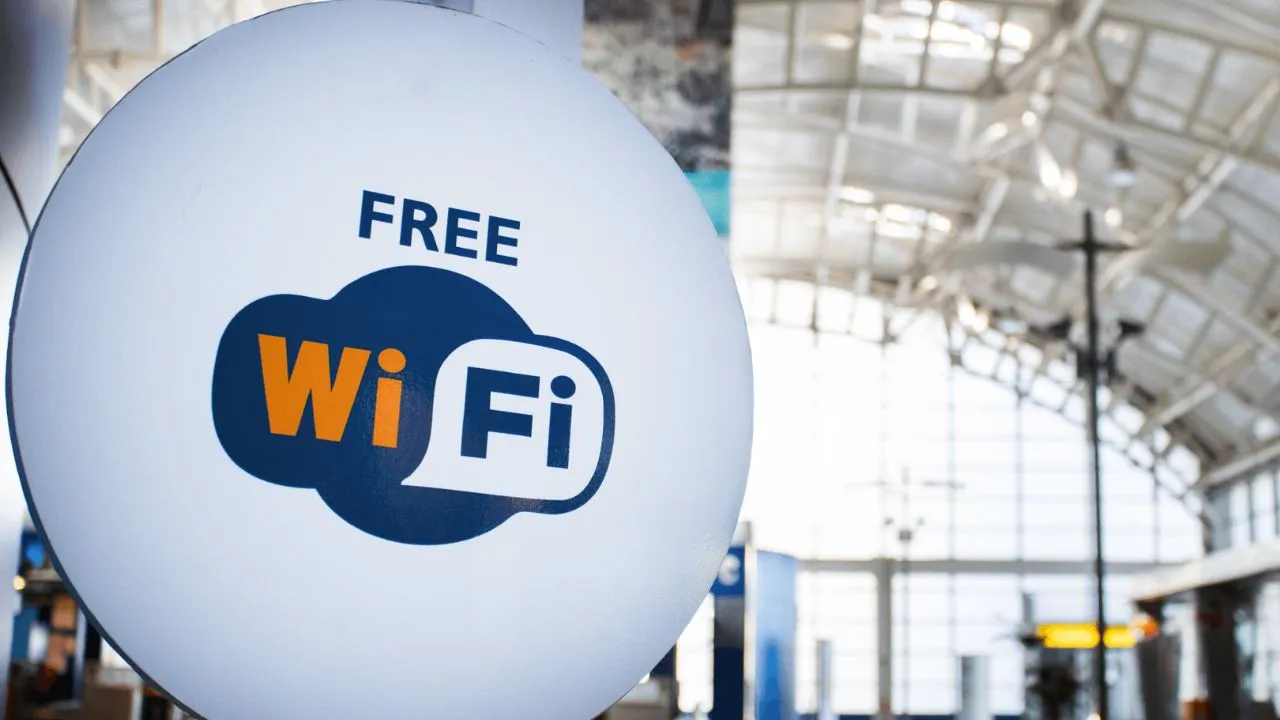
Nashville International Airport (BNA) offers Wi-Fi throughout the terminal and public areas. Managed by Boldyn Networks, flyers and visitors can use it for free. They can connect to the current network “!BNA Free Wi-Fi” from their devices and use the facility.
Following an upgrade on December 19, 2024, BNA Wi-Fi replaced the previous Boingo-based service. It also supports speeds of up to 100 Mbps. This speed is up to 20 times faster than the previous service. With this faster connection, a flyer can check flight information, browse the internet, work, or stay connected at the airport.
Upgraded Wi-Fi at Nashville International Airport (BNA)
Nashville Airport has upgraded its Wi-Fi service to provide its flyers with a faster and simpler way to get online. To use the current network, you do not need a flight ticket, a loyalty account, or a separate password to connect.
| Feature | Previous BNA Wi-Fi | Upgraded Wi-Fi at BNA |
| Access: | 20 minutes of free access, with a paid option afterward | Free |
| Advertising: | Passengers need to watch a short video | Removed the requirement to watch a video |
| Connection process: | Video was required before getting online | Complete a short survey |
| Speed: | Up to 5 Mbps | Up to 100 Mbps |
| Previous: | Boingo-based service | !BNA Free Wi-Fi |
| Duration: | Limited free session | Unlimited |
How to Connect to Wi-Fi at BNA
To connect to the Wi-Fi at Nashville Airport, follow these steps.
- Open the Wi-Fi settings on your phone, laptop, or tablet.
- Select the BNA Airport network “!BNA Free Wi-Fi” from the list.
- Wait for the login page to open automatically.
- If the login page does not appear, open the browser and visit a website to open it.
- A survey will appear on the screen; complete it to get online.
- Once connected, you can check flight details and review wait times at BNA Airport.
- Your device should stay connected as you move between concourses.
Connect by device:
On iPhone: Open Settings, then Wi-Fi, then choose the BNA network. The login page appears as a pop-up.
On Android: Click Settings, then Network & internet, then Wi-Fi. Tap the network and look for a “sign-in” notification if the page does not open on its own.
On a laptop: Choose the network from the Wi-Fi menu and open a browser if the login page does not appear.
Where is the Wi-Fi located at Nashville International Airport?
Not only at the gates, but you can also use BNA’s Wi-Fi in many other parts of the airport. The main locations where the service is available are:
- Terminal and Concourses: B, C, D, and satellite
- Gate seating areas
- Restaurants, cafes, and shops
- Parking garages
- Rideshare pickup spots
- Check-in and ticketing areas
- Baggage claim and arrivals
- Ground transportation and rental car areas
- Walkways between concourses
- Minute Suites
- Delta Sky Club
- American Airlines Admirals Club
- USO Center
Troubleshooting When BNA Wi-Fi Is Not Working
You can have issues while connecting to Wi-Fi at Nashville International Airport. These problems can be resolved quickly. Use the points mentioned below.
The login page is not opening: Forget the network in your settings, then join it again. Next, open any website in your browser. If you use a VPN, turn it off for now and turn it back on after you log in.
It is connected but slow: Move away from the busy gate areas. If your device shows two Wi-Fi options (2.4 GHz and 5GHz), try the other one. Also close apps that use a lot of data, like cloud backups and videos that play on their own.
Wi-Fi keeps disconnecting: Turn airplane mode on, then off. Restart your phone or laptop. Also check that your VPN or battery saver is not on.
Still cannot connect: Use your phone’s data or hotspot. You can also ask officials at the information desks for help.
Is Wi-Fi at Nashville Airport Safe?
BNA Wi-Fi is useful, but it is less private than the Wi-Fi at home. To stay safe, you can do the following tips:
- Confirm the network name before connecting.
- Use a trusted VPN for work or private activity.
- Prefer HTTPS websites.
- Avoid sensitive banking transactions on public Wi-Fi when possible.
- Turn off auto-connect and file sharing.
- Check the network name before you join.
- Use your phone’s hotspot for a particular activity.
Conclusively, BNA has free Wi-Fi available in most areas of the airport. Moreover, it is faster than it used to be and simple to join. For the best experience, connect before you reach a crowded gate, use a VPN for anything private, and keep your phone’s hotspot as a backup.
Comments 0
No comments yet. Be the first to share your experience.